NeoDrive Compatibility Guide
CG / 01
Compatibility,
before installation.
A precise fit begins with the vehicle, not the device. Use this guide to evaluate power, ports, signal formats, mounting space, software requirements, and vehicle-specific limitations before choosing your in-car electronics.

Vehicle-first selection
Compatibility depends on the complete connection path between the vehicle, device, installation position, and operating system.
Vehicle Identity
Year, make, model, trim, region, and factory equipment.
Electrical System
Voltage, socket type, fuse location, and available output.
Interface Standard
USB, HDMI, RCA, wireless protocol, or camera signal.
Physical Integration
Mounting area, cable route, visibility, and control access.
Selection Framework
Start with the vehicle architecture.
Product dimensions alone do not determine compatibility. A successful setup also depends on electrical capacity, factory interfaces, cabin geometry, software support, and the way the device will be installed.
Identify the exact vehicle configuration
Record the model year, manufacturer, model, trim level, market region, body style, and any factory technology package. Vehicles sharing the same model name can use different dashboards, electrical systems, connectors, or software platforms.
Trace the complete connection path
Confirm where the device receives power, which connector carries data or video, whether an adapter is required, and how the cable will reach the final mounting position without obstructing vehicle controls.
Review operating and installation limits
Check supported operating systems, wireless standards, storage formats, camera signal types, temperature guidance, mounting clearances, and any professional installation recommendation shown on the product page.
Device Matrix
What to check by product category.
Use the category-specific checks below as a first review. Always compare the final product specifications with your exact vehicle configuration before ordering.
Dash Cameras
Front, rear, cabin, and multi-channel recording systems.
Smart Car Displays
Portable screens, navigation displays, and wireless interfaces.
Parking Assistance
Backup cameras, monitors, sensors, and viewing systems.
Power & Charging
Chargers, adapters, power hubs, converters, and battery accessories.
Connection Logic
Follow the full signal path.
A device may fit physically and still be incompatible electronically. Review every stage from the vehicle power source to the final software connection.
Vehicle
Year, trim, factory system, electrical architecture, and available installation points.
Power
Input voltage, socket, hardwire connection, fuse protection, and required output.
Interface
Connector type, signal format, wireless protocol, adapter, and cable specification.
Mounting
Surface, clearance, viewing angle, cable route, airflow, and safe access to vehicle controls.
Software
Phone operating system, application requirements, storage format, updates, and permissions.

Physical Fit
Measure the installation environment.
Consider the complete cabin layout rather than the device footprint alone. The final position should preserve visibility, access, ventilation, passenger comfort, and safe operation of factory equipment.
Check dashboard depth, windshield angle, vent shape, and available mounting surface.
Keep cameras, displays, and cables clear of airbags and the driver's primary field of view.
Confirm doors, storage compartments, vents, screens, and controls can operate normally after installation.
Plan a protected cable route before fixing the final device position.
Support Preparation
Have these details ready before contacting us.
Complete information helps the support team compare your vehicle with the device requirements more accurately.
Vehicle identity
Provide the year, make, model, trim level, body style, market region, and factory technology package when known.
Product reference
Include the exact NeoDrive product name or page, plus the feature or connection you intend to use.
Available ports
Note the visible power sockets, USB ports, audio inputs, video connectors, factory camera system, and phone operating system.
Installation photographs
Clear photographs of the dashboard, windshield, console, rear plate area, or relevant connector can help explain the intended setup.
Final Review
Check the product page twice.
Review dimensions, input and output specifications, included accessories, supported operating systems, connection diagrams, installation notes, and any vehicle exclusions shown on the selected product page.
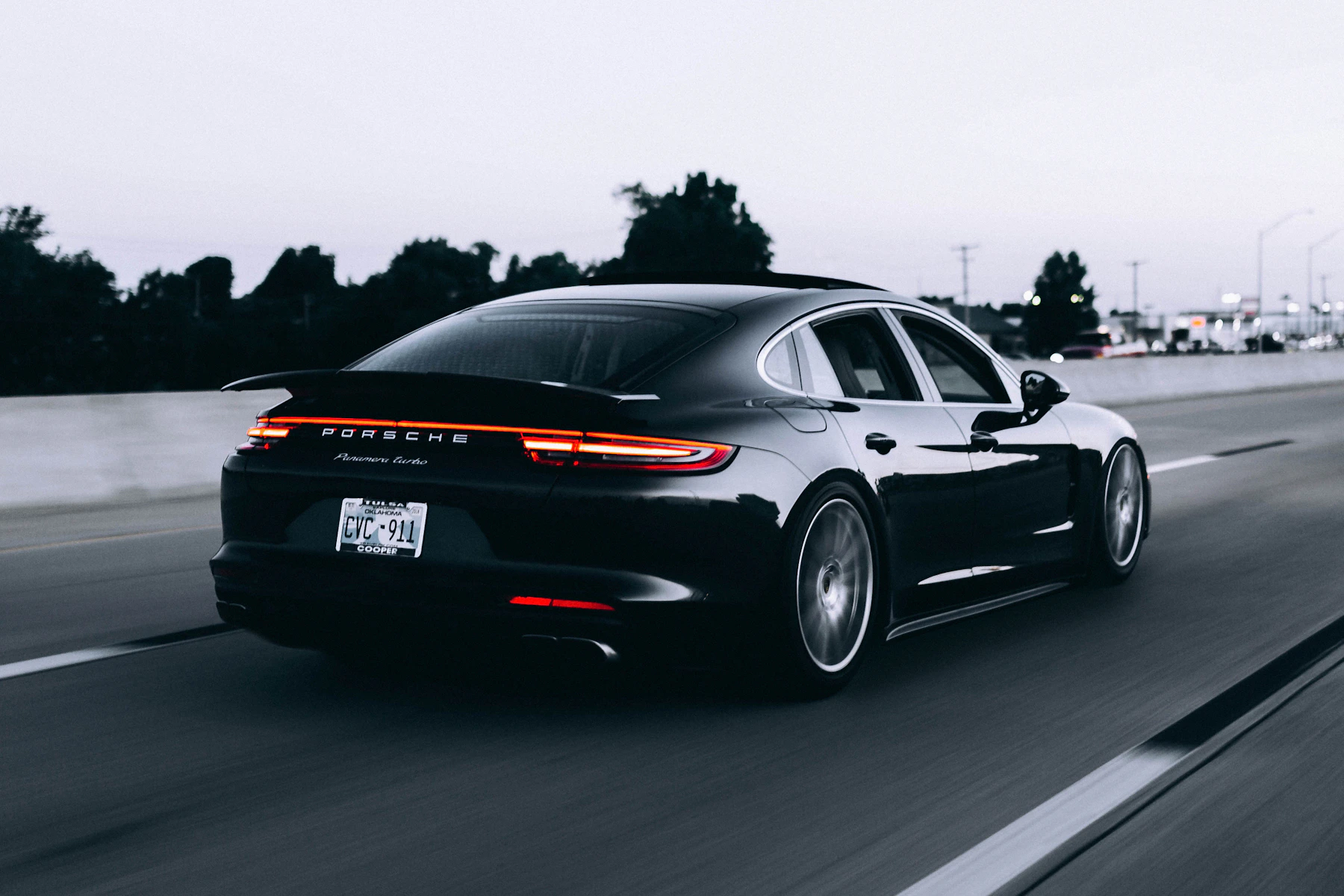
Compatibility is system-specific.
Vehicle configuration, electrical architecture, installation method, and connected software must be reviewed together.
Compatibility FAQ
Common fitment questions.
These answers provide general guidance. Product-level specifications and vehicle-specific information should always be used for the final decision.
Does “universal” mean the device works with every vehicle?
How do I know whether a display will work with my phone?
Can I install a dash camera without hardwiring it?
What should I check before buying a backup camera?
When should professional installation be considered?
Can support confirm compatibility before I order?
NeoDrive Support
Still reviewing your setup?
Send us your vehicle details and the product you are considering. We will help you identify the specifications, connections, and installation points that should be reviewed before purchase.
Contact Compatibility Support